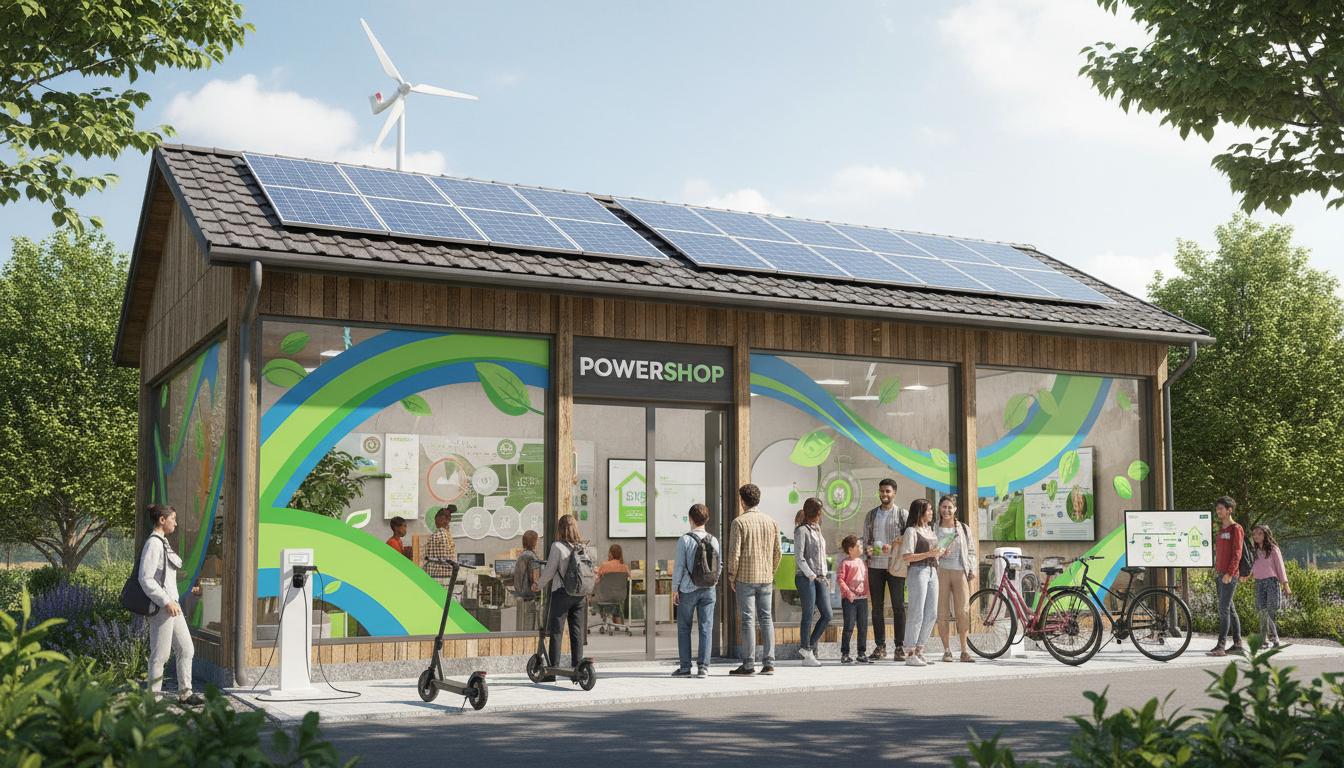
If you like seeing where every dollar of your power bill goes—and nudging it down—powershop is built for you. It’s a digital-first electricity retailer for New Zealanders who want control, clear pricing, and an app that actually does something useful. This guide explains what powershop is, how the model works, practical examples, the upsides and trade-offs, how to choose or switch, and quick answers to common questions.
What is
Powershop is a New Zealand electricity retailer that lets you buy power in flexible chunks through an app or website. Instead of waiting for a monthly bill, you can pre-purchase “packs” and track usage in near real time if you have a smart meter. You still get electricity like any other retailer delivers it—the difference is how you pay and the level of control you have over timing and cost.
The key idea is simple: buy some of your power ahead of time, often at a discount, and keep an eye on your usage as you go. If you don’t want to manage it closely, you can set it to auto-buy and treat it much like a normal plan.
How it works
There are three moving parts: your meter, your rates, and the packs you buy.
- Smart meter reads: Most Kiwi homes have smart meters. Powershop uses these reads to show your consumption (usually in half-hour blocks) and forecast what you’ll need.
- Base pricing: You pay a daily fixed charge plus a per‑kWh charge. Network costs (from your local lines company), the energy charge, and GST all flow into what you pay overall.
- Powerpacks: You can pre-buy bundles to cover future usage. These packs may be seasonal or themed and can reduce your effective per‑kWh cost when used well.
Here’s the rhythm. You sign up, connect your property, and start using power. The app estimates your upcoming usage and shows how many days of power you’ve covered. You buy packs to stay ahead—or let the system auto‑top‑up if you prefer hands‑off. If you forget to buy packs, you don’t get cut off; powershop simply charges you at its standard rates for any uncovered usage.
The app is the control panel. You can see spend to date, projected cost to the end of the month, past usage, and how much your packs have saved. Notifications remind you when you’re running low or when deals pop up.
Types / examples
Powershop isn’t a single plan. It’s a model that can fit different households. Here are common setups and how people use it:
Anytime vs time-of-use
- Anytime pricing: One rate all day. Simple and predictable, good if your usage is steady.
- Time-of-use (where available): Cheaper off‑peak, higher peak. Best if you can shift hot water heating, EV charging, or laundry to off‑peak hours.
Household examples
- The set‑and‑forget family: They enable auto‑buy, pick an Anytime rate, and let the app handle it. They still get usage insights without having to chase deals daily.
- The engaged saver: They watch for discounted packs, buy larger winter packs ahead, and shift dishwasher/EV charging to off‑peak. Savings come from timing and discipline.
- The flat with variable demand: They top up more when friends stay or heaters run overtime, then scale back with smaller packs when the place is empty.
- The solar household: With a buy‑back arrangement, exported solar earns credits. Packs still cover grid top‑ups on cloudy weeks.
New Zealand also distinguishes between “standard user” and “low user” pricing categories. The long‑running low fixed charge regime is being phased out nationally, and retailers have been adjusting plans over time. Powershop provides plan options in line with these changes; your best fit depends on usage and your local network pricing.
Pros and cons
Advantages of powershop
- Visibility and control: See your usage and forecasted spend before the bill arrives.
- Pack savings: Buying ahead can lower your effective per‑kWh cost.
- Flexible payments: Top up in smaller chunks rather than waiting for a monthly bill.
- App tools: Alerts, charts, and predictions help you spot waste quickly.
- Works for renters: Switching retailers is possible for most tenants with the power account in their name.
Trade‑offs to consider
- Active management: Best value often comes if you engage with the packs. If you never touch the app, you may miss savings.
- Learning curve: Understanding packs, timing, and effective rates takes a little time at the start.
- Variable discounts: Pack availability and discounts can change. Your mileage will vary by season and region.
- TOU complexity: Time‑of‑use can save money, but only if you actually shift usage off‑peak.
How to use or choose
Follow these steps to see if powershop fits your home and to switch smoothly.
- Check your usage: Open a recent bill or your current retailer’s portal. Note annual kWh and your daily/seasonal pattern.
- Confirm your meter: Most homes have smart meters; they unlock the best insights. If yours isn’t smart, ask about options.
- Compare effective pricing: Look at the daily charge and per‑kWh rate for your address and plan type (Anytime or TOU). Estimate annual cost using your kWh history.
- Consider your habits: Can you shift laundry, hot water, or EV charging off‑peak? If yes, TOU plus packs may pay off.
- Evaluate engagement: If you’ll use the app monthly, you’re likely to benefit more. If not, set auto‑buy and keep it simple.
- Sign up online: Provide address, ICP number if available, and ID. Choose your plan type and payment method.
- Set alerts and auto‑buy: Turn on notifications for low cover. Enable auto‑top‑ups so you never run short.
- Buy your first pack: Cover a few weeks based on the app’s forecast. Add seasonal packs when it turns cold.
- Review after one billing cycle: Check your effective c/kWh and daily charge. Tweak plan settings or pack timing if needed.
Tips to get better results
- Cover ahead: Keep a buffer of days covered so you’re not buying last‑minute at less favourable prices.
- Align packs with seasons: Larger winter packs and smaller shoulder‑season top‑ups often make sense.
- Automate the essentials: Use auto‑buy for baseline usage, then add opportunistic packs when deals appear.
- Match plan to lifestyle: If you never run appliances off‑peak, Anytime is often simpler.
- Track trends, not spikes: Look at month‑over‑month patterns, not just yesterday’s cold snap.
Comparison: powershop vs a traditional post‑pay plan
| Feature | Powershop | Traditional post‑pay |
|---|---|---|
| Billing style | Pre‑purchase packs with optional auto‑top‑up; standard charges apply for uncovered usage | Monthly bill after usage |
| Control of spend | High—live tracking, forecasts, and pack timing | Moderate—usage data after the fact |
| Discounts | Pack‑based, change over time | Often fixed prompt‑payment or loyalty discounts |
| Best for | Engaged users who like to manage and optimise | Set‑and‑forget users who don’t want to interact |
| Mobile/app tools | Core experience | Varies by retailer |
| Time‑of‑use options | Available where networks support it | Available with many retailers |
| Risk if you ignore it | May miss pack savings; pay standard rates | No special risk; fewer optimisation opportunities |
FAQ
What is powershop in one sentence?
Powershop is a New Zealand electricity retailer that lets you buy power in flexible packs through an app, so you can control timing and cost more closely.
Is powershop cheaper than other retailers?
It can be—especially if you use the app, buy discounted packs ahead, and shift some usage off‑peak. If you ignore packs and never engage, you may not see an advantage.
Do I need a smart meter for powershop?
It works best with a smart meter because you get near‑real‑time data and accurate forecasts. Most NZ homes already have one; check your meter type when you sign up.
What happens if I don’t buy enough packs?
You still get power. Uncovered usage is simply charged at powershop’s standard rates for your plan and area.
Can renters switch to powershop?
Yes, if the electricity account is in your name. It’s a common switch for flats and rentals.
Does powershop support time‑of‑use rates?
Yes, in areas and with meters that support TOU. You’ll save most if you move high‑load tasks—hot water, EV charging, laundry—to off‑peak hours.
How do the daily charge and kWh rate work?
You pay a daily fixed charge plus a per‑kWh usage charge. Your total cost also reflects local network fees and GST. Packs can reduce your effective per‑kWh cost when applied to usage.
Can I use powershop with rooftop solar?
Yes. If you export to the grid, you can receive credits under a buy‑back arrangement. Check current eligibility and rates for your address.
Are there contracts or exit fees?
Residential plans in New Zealand are often open term, but terms vary. Check powershop’s current T&Cs for any fees before switching.
Will I lose power during the switch?
No. Switching retailers in NZ is a back‑office process; your physical supply continues as normal.
How do I pay?
Common options include direct debit, credit/debit card, or bank transfer. Set up auto‑payments if you want a hands‑off approach.
Final thoughts
Powershop gives New Zealand households a transparent, hands‑on way to manage electricity. If you like using data to trim costs—or you just want reminders before spending drifts—its model fits well. If you prefer never to open an app, you can still run it on auto‑buy, but the biggest gains go to people who check in now and then, buy ahead, and match their plan to how they live.